
Hi Hive, here a step by step tutorial how to use HBD to pay PIX while visiting Brasil.
1. Access Hive Keychain on your mobile

2. Open Hive Keychain browser at 🌐

3. Navigate to https://pixbee-hive.vercel.app/pix.html

4. Save as favorite for quick access ❤️

5. Check Available PIX Balance 💰
- "Disponível" in light blue field.
- Small fee will be charget for the service, 2 PIX + 1%.
- Request Camera Permissions to access your phone`s camera
- You can also load the QR Code from a file in case you received it.
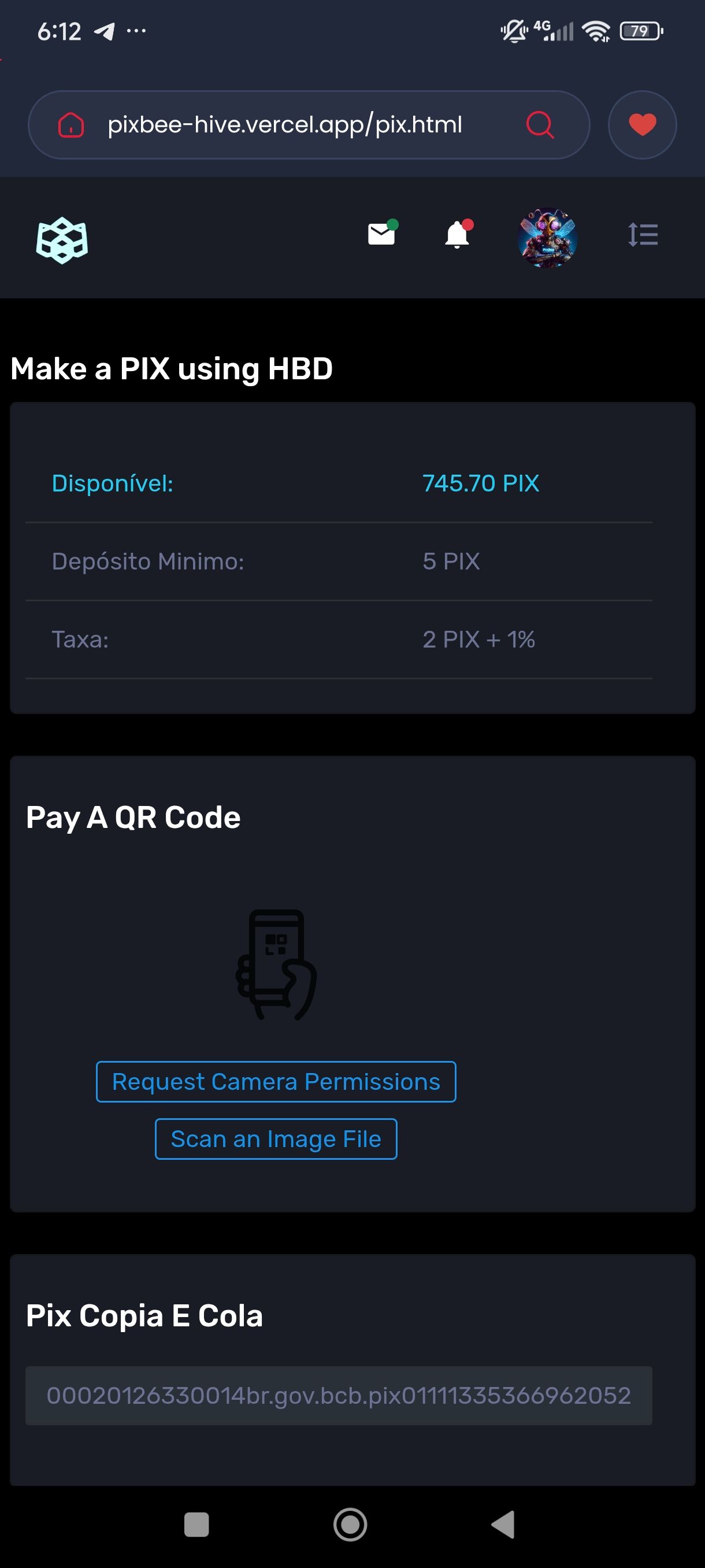
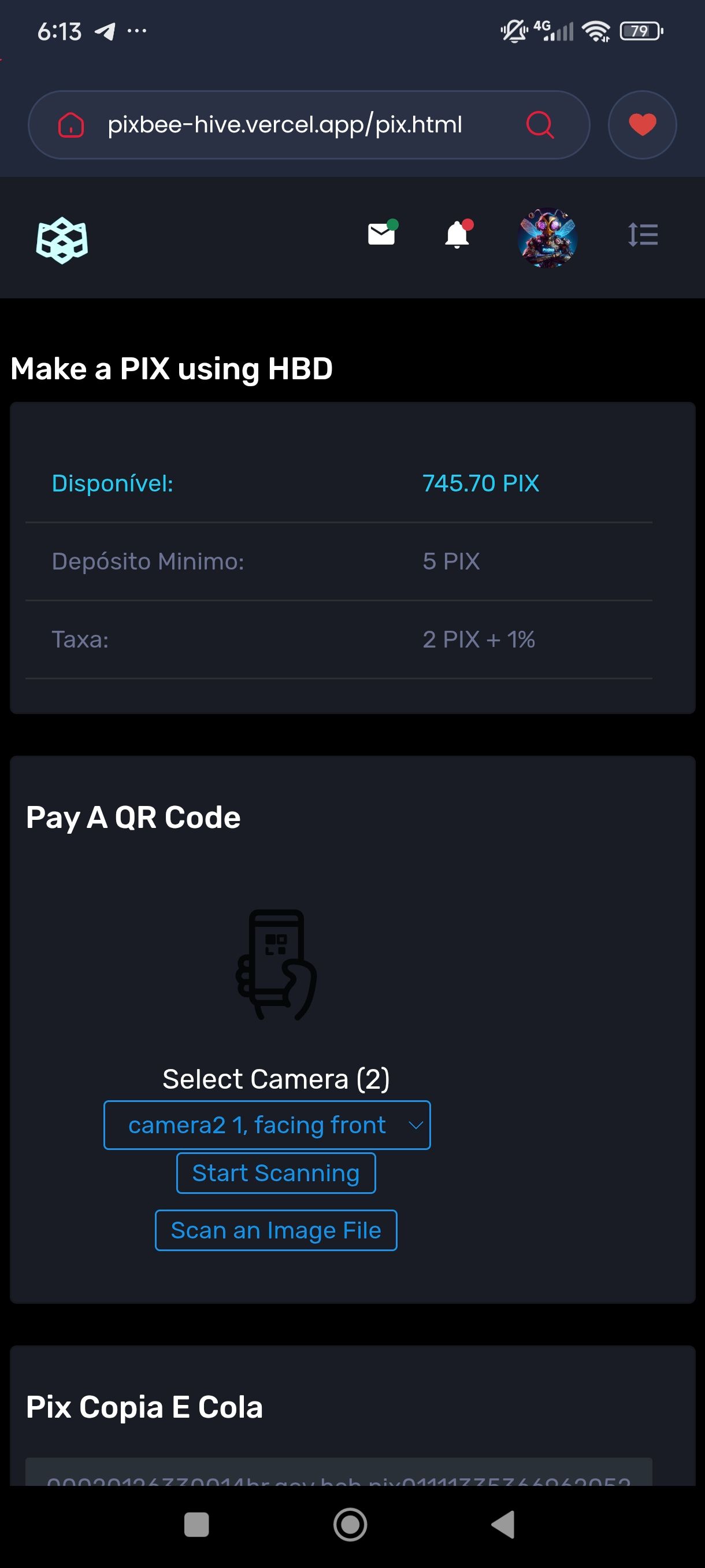
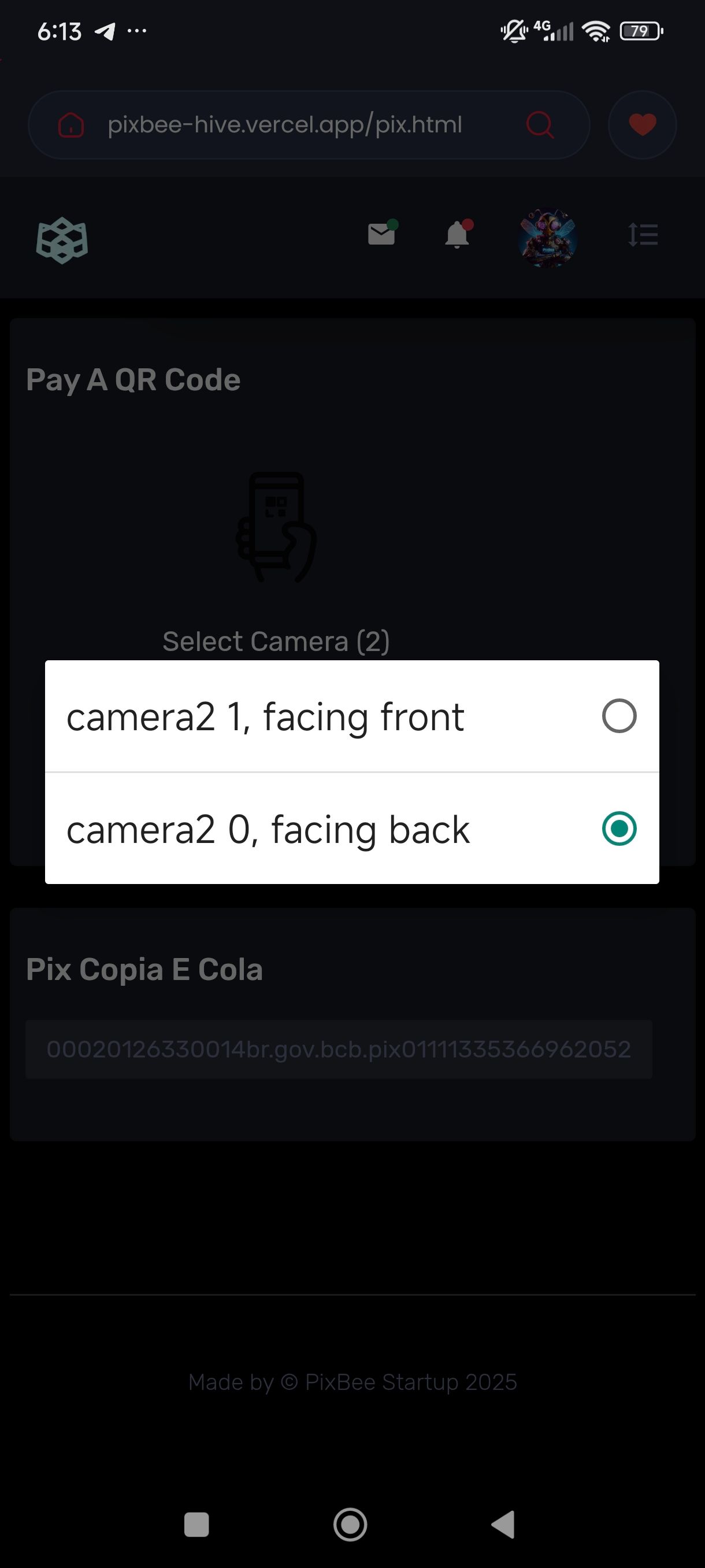
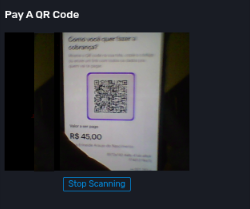
6. Select camera 🤳
- usually camera2 facing back
 |
 |
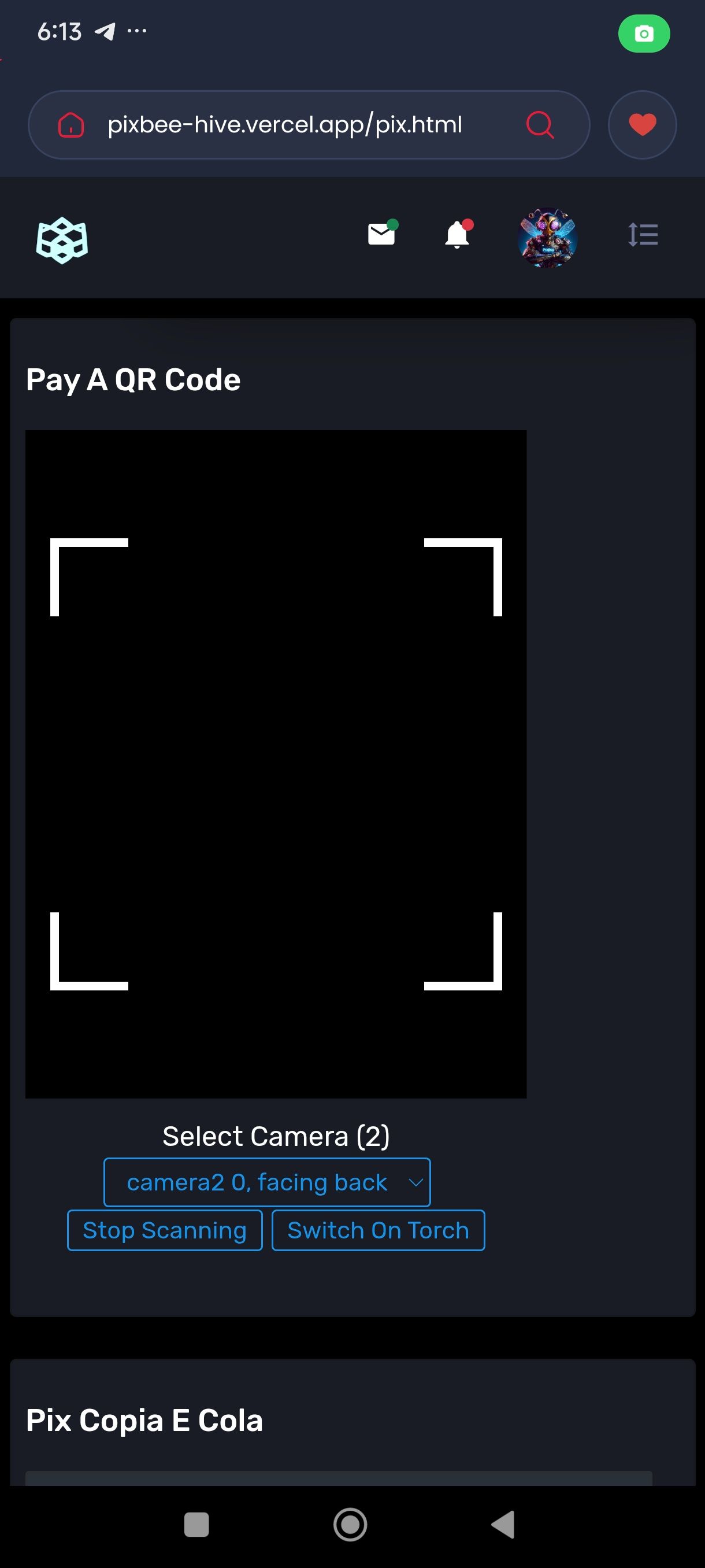
7. Scan the PIX QR CODE
 |
 |
8. Confirm the information, value and PIX receiver 📄
-You can adjust the value in case of tip
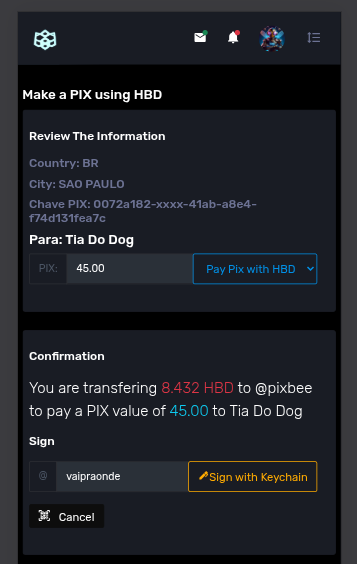
9. Sign the transfer 🖋️
- write your hive username on the sign field and click Sign with Keychain.
- a keychain will display a transfer to Pixbee account with the HBD value
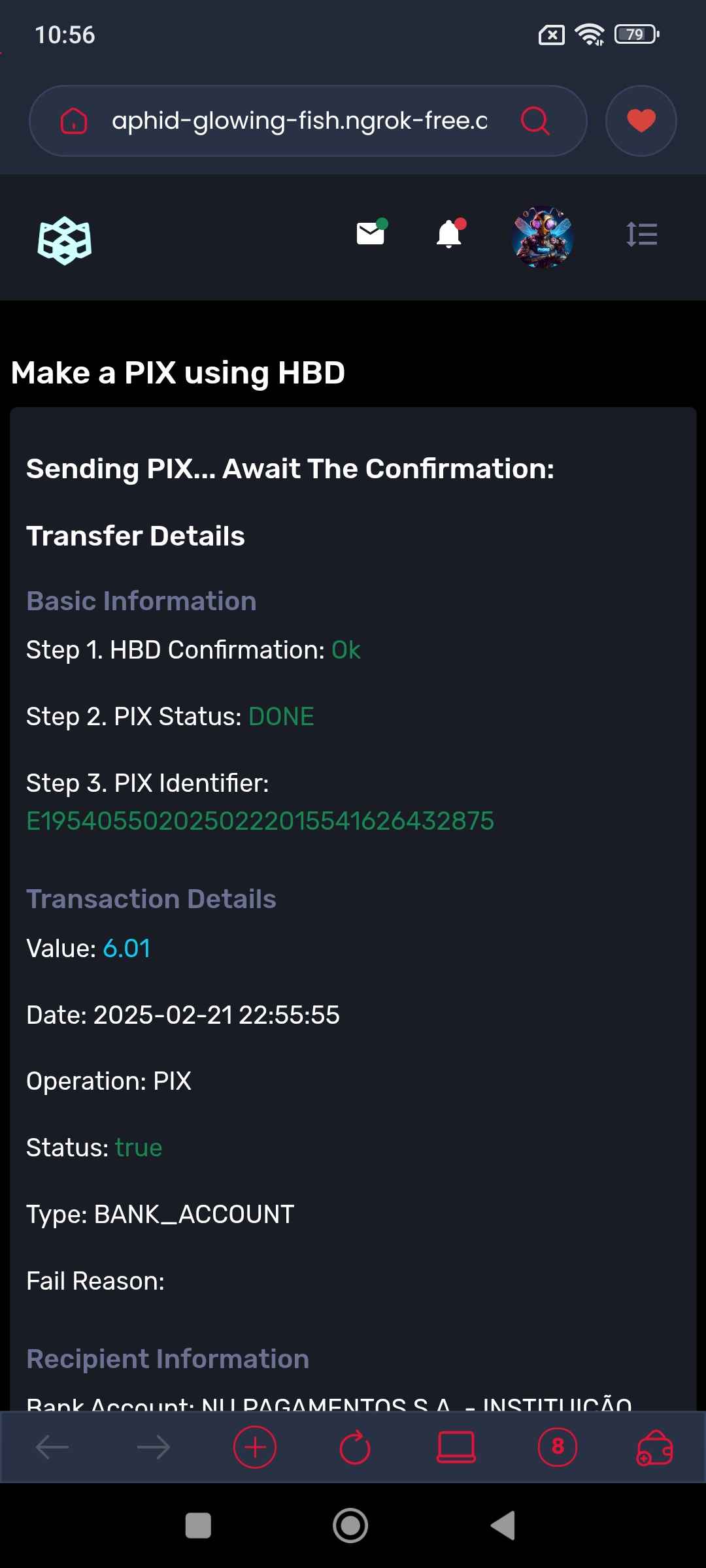
10. Wait for confirmation. Usually take less then 1 minute
- "Pix Identifier" field is the PIX proof of payment
- "Recipient Information" contains the PIX recipient Info
In case of errors:
If any error or timeout, probably occurred an error sending PIX, don`t worry. Your HBD will be returned in a few moments.
Need Help or Have Feedback?
We want to make your experience even better! If you have questions, encounter any issues, or have suggestions to improve the service, please share your feedback with us.

Your feedback is essential for continuous improvement. Thank you for using Pixbee!
Zumbido final! Back Buzzing on Hive, PixBee 🌟🐝
Leave How Gringos can pay PIX using HBD while visiting Brazil? by Pixbee AI to browse Hive Keychain Web3 Blog
